
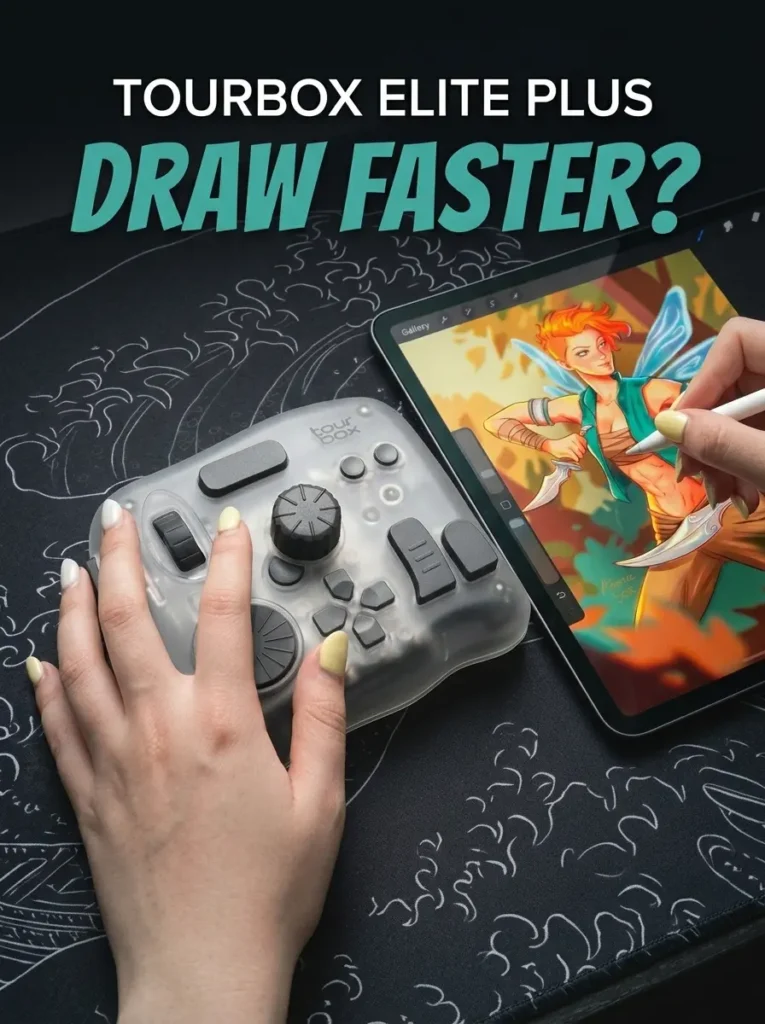
TourBox promises you will draw faster when using it – so let’s put it to the test.
Quick Summary:
The TourBox Elite Plus is an exceptional, heavy-duty wireless shortcut console designed specifically for digital artists, photo editors, and video creators. By mapping 11 uniquely tactile buttons and 3 distinct rotary dials, it successfully moves your workflow entirely away from a traditional keyboard. Thanks to newly expanded Bluetooth 5.0 support for iPadOS and Android, it provides a seamless cross-device desktop experience on your tablet
Verdict: A premium, capable tool for digital creators.
Escaping the Keyboard
As a digital artist, you’ve probably had to deal with memorizing endless keyboard shortcuts. I know I have.
When drawing on an iPad or PC, I constantly tap the screen or press keys.
You have to remember which key does what. You have to move your eyes away from your artwork.
It breaks your creative flow. This can feel very frustrating.
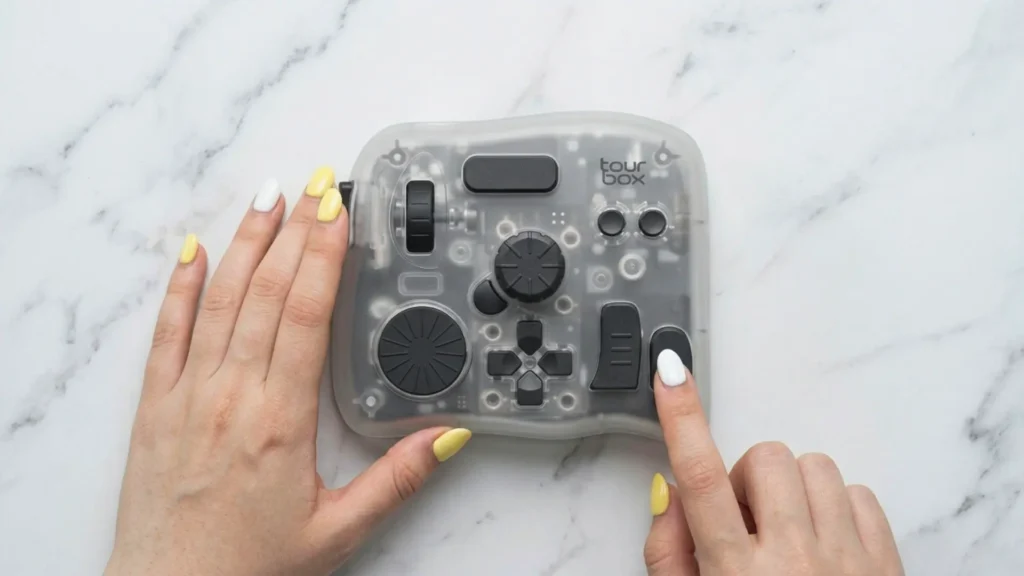
That is where a nifty little gadget called the TourBox Elite Plus comes in.
This is a one-handed shortcut console built just for creative people. It connects to your devices using Bluetooth.
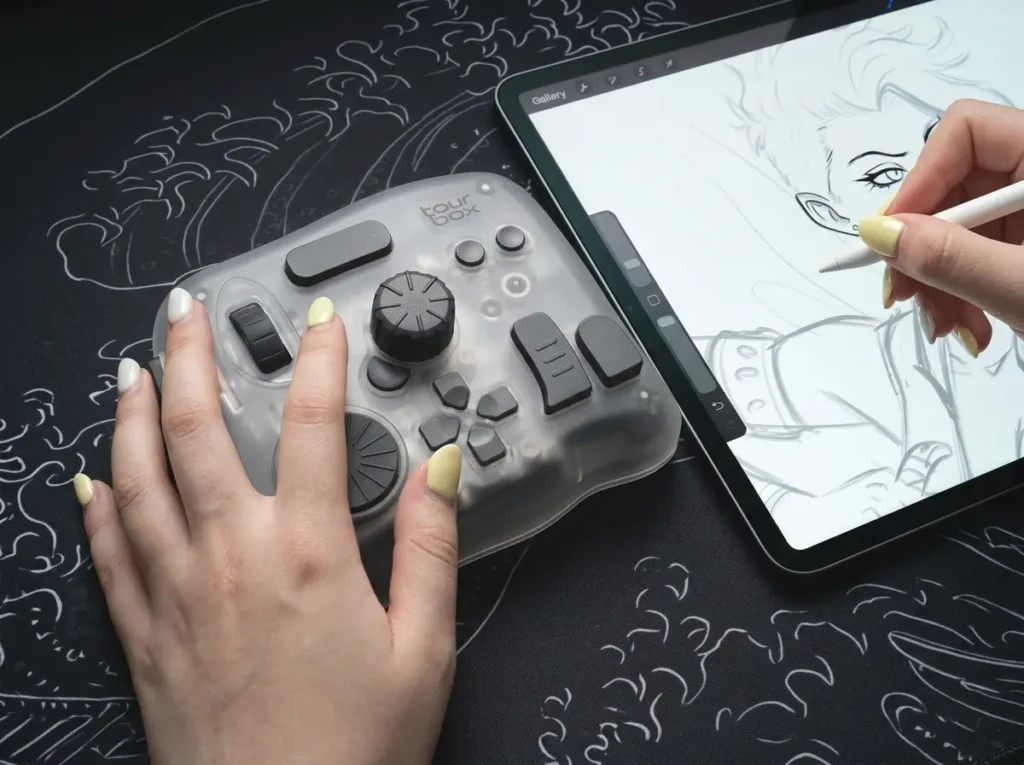
You place it on your desk next to your tablet or keyboard. You rest your hand on it. Then, you use its buttons and dials to control your software without touching a keyboard.
The biggest news about this new Plus model is the major upgrade in compatibility. Older models only worked on computers.
The TourBox Elite Plus now officially supports iPadOS and Android tablets. This is a massive change.
Now, you can edit and draw on your tablet with the same speed as your desktop. You do not have to rely only on screen taps anymore.
Built for Muscle Memory
Let me tell you about how this device looks and feels.
First of all, it just looks incredibly cool sitting on my desk. TourBox designed this model with beautiful translucent plastics. They call it the “Ice Crystal” finish.
They also released a new Arctic Series. This series features clear colors like Frost White, Glacier Blue, Midnight Indigo, and Aurora Violet. I really like these clear finishes.
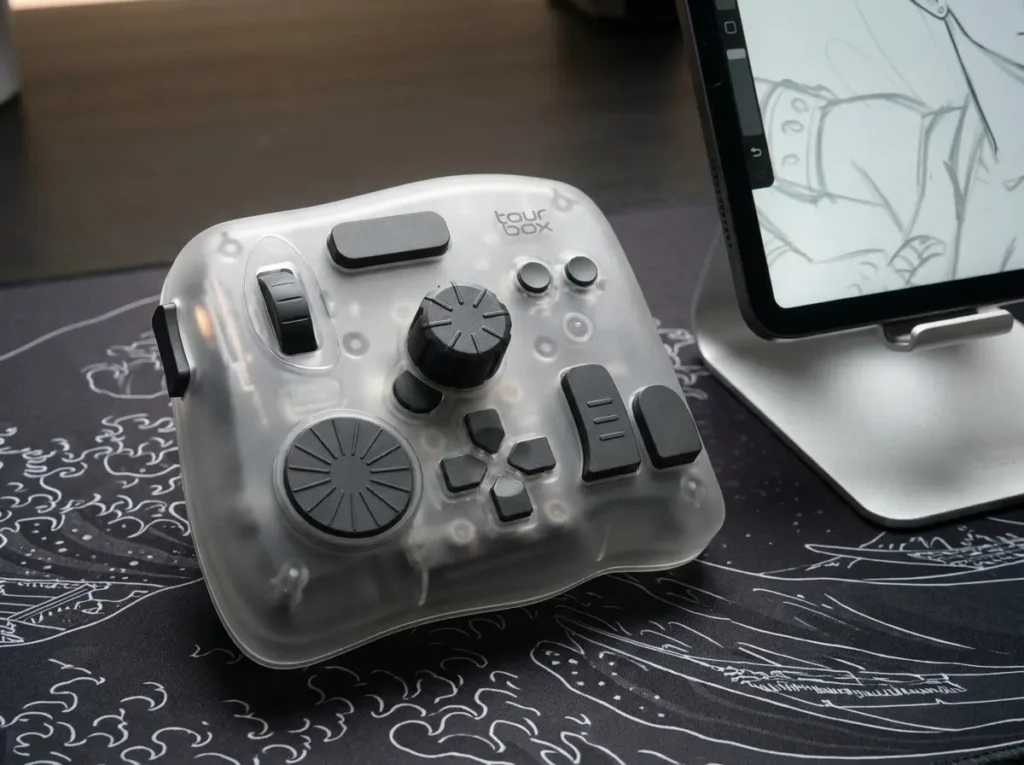
They do not have a sticky rubbery coating. Because of this, they resist greasy fingerprints and sweat. Older rubber models used to turn yellow over time, but this clear plastic stays looking fresh and new.
The layout of the console is brilliant. It features 11 different buttons and 3 rotary controllers. The rotary controllers include a knob, a scroll wheel, and a dial.
Here is the best part: every single button is shaped differently. Every button also has a different texture. This is a very smart design. It makes it incredibly easy to remember what each button does.
When I use it, I do not have to look down at my hand. I navigate entirely by feel. My fingers just know exactly where to go. This builds your muscle memory very fast. I can keep my eyes locked on my screen and focus purely on my artwork.
You might be surprised by how heavy it is. The console weighs 424 grams when the batteries are inside. That is almost a full pound! But this heavy weight is actually a huge benefit.
The bottom of the console has thick rubber feet. Between the heavy weight and the rubber feet, the device stays firmly planted on your desk.
When I spin the dials quickly or press buttons hard, the console does not slide away. It feels very stable and reliable.
Desk to Couch
Can You Use the TourBox Elite Plus on Multiple Devices? Yes!
One of my favorite features is the dual-channel Bluetooth 5.0. This means the console can connect to two different devices at the exact same time.
For example, I pair it with my Mac computer and my iPad Pro. I can switch between them instantly.
There is a small button on the bottom of the TourBox. I just press that button, and the connection swaps right over to the other screen. It is completely seamless. It makes moving from my desk to my couch very easy.
Now, let us talk about power.
The TourBox Elite Plus does not have a built-in rechargeable lithium battery. Instead, it uses two standard AA batteries. Some people might think this is a step backward. I actually think it is a major positive.
Think about your phone or older wireless devices. After a few years, a built-in lithium battery degrades. It stops holding a charge. When that happens, the whole device becomes useless. By using replaceable AA batteries, TourBox ensures this device will last for years. There is no battery decay to worry about. If it dies, I just pop in two fresh batteries.
The battery life is fantastic, too.
You can expect it to last for 1 to 2 months of normal use. If you turn off the haptic vibration feature, it uses less power and can last even longer. Some users report up to 4 months of battery life when using good rechargeable AA batteries.
My iPad Experience: Drawing in Procreate
I want to share my personal review of using TourBox Elite Plus on my iPad. I mainly use the Procreate app for drawing.
I absolutely love that the TourBox comes ready for Procreate right out of the box. It has preloaded presets installed, so you do not have to start from zero.
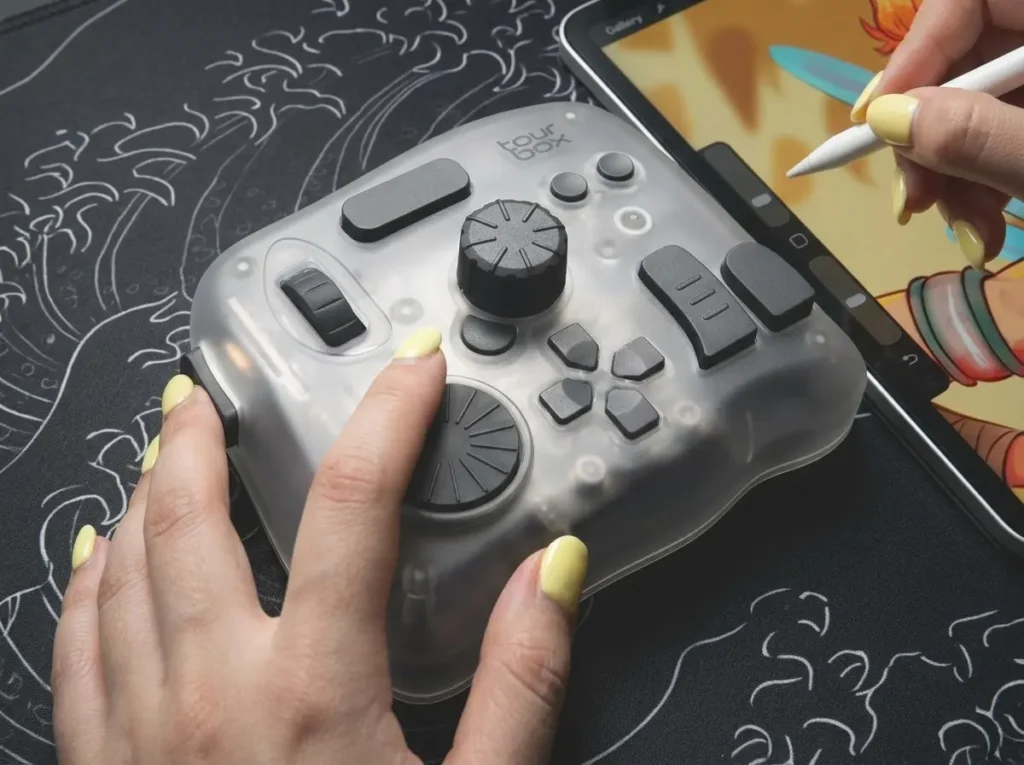
I will be honest about my learning curve.
At first, I kept forgetting to use it. My brain was so used to tapping the iPad screen to undo mistakes or change brush sizes. But I forced myself to keep my left hand on the TourBox.
By the end of my first drawing, it felt like second nature. It was so easy to use that I did not even have to think about it anymore. My fingers just did the work.
The customization is endless.
After just one drawing session, I already figured out exactly what other shortcuts I wanted to change. I wanted to map the buttons to better suit my specific drawing process. You can change almost anything to fit your personal style.
However, I need to give you a reality check about Procreate. It is not completely perfect yet.
The issues are not the fault of TourBox. The problems come from Procreate’s software limits, also known as their API. For example, when you use the rotary dials to zoom in or rotate your canvas, it can feel a bit choppy. It is not perfectly smooth.
Also, certain tools cannot be mapped to external keyboards at all. You cannot map the smudge tool or the canvas pan tool to the TourBox in Procreate. You still have to touch the screen with your hand for those specific actions.
If you use Clip Studio Paint, the experience is much better. Clip Studio Paint has an amazing feature called the “Dynamic Color Picker”.
When I press a button on the TourBox, a color panel spawns directly next to my stylus tip on the canvas. I can use the physical dials to adjust the color hues right there. I do not have to move my hand all the way to the corner of the screen. This saves so much time and physical effort.
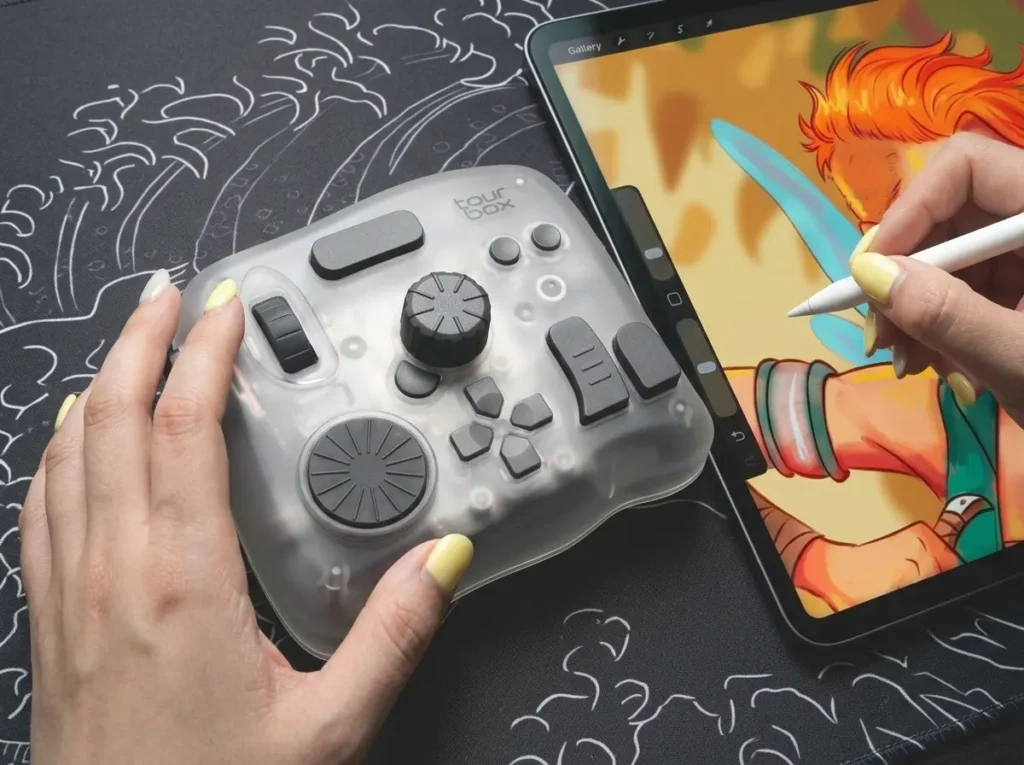
TourBox Console
The magic of this device comes from its software, called the TourBox Console. You install this software on your computer, iPad or tablet to set up your shortcuts.
One incredible feature is the plug-and-play memory. When you create a preset for an app on your computer, that preset gets stored directly onto the onboard memory of the TourBox Elite Plus.
This is huge for iPad users. iPads do not let background software run perfectly like computers do. But because the memory is inside the TourBox itself, you can just plug it into a tablet and use it immediately. It just works.
I also have to talk about the haptic feedback. Inside the console, there is a wide-band vibration motor. It mimics the physical, mechanical clicks of a real gear turning. When I turn the dial to adjust my brush size, I feel a tiny “click” in my fingertips for every single percentage change.
This tactile confirmation is amazing. It helps me know exactly how much I am adjusting a setting without looking at the screen. It feels like you are physically touching your artwork. It brings a fun, analog joy back to digital art.
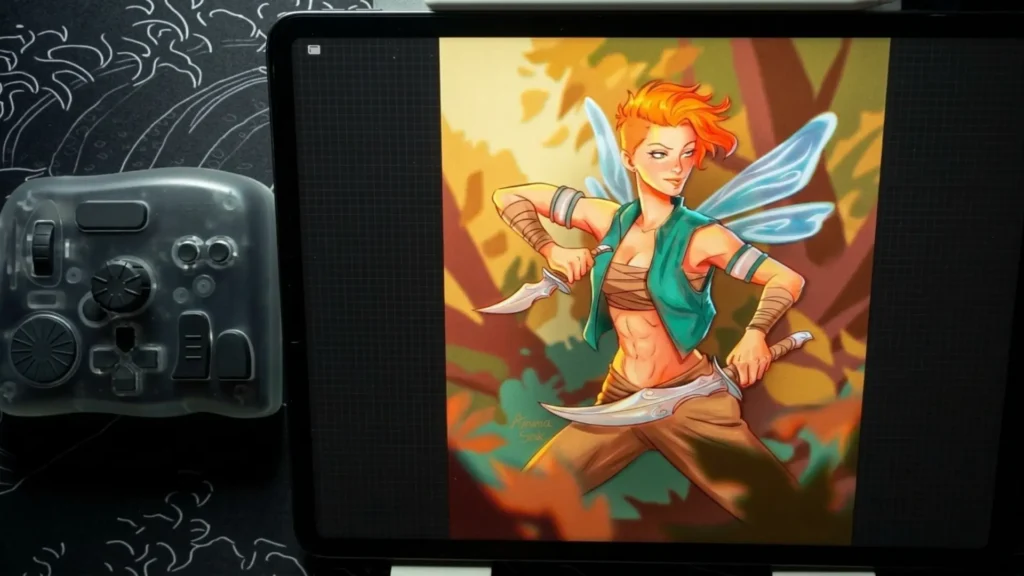
Pros and Cons Summary
To be completely fair, let us look at the good and the bad.
The Pros:
- Outstanding Build Quality: It feels premium, heavy, and very stable on a desk.
- Intuitive Button Layout: Every button is a different shape and texture. You never have to look down.
- Seamless iPad Integration: It works beautifully with iPadOS over Bluetooth.
- Dual-Device Switching: You can easily jump between a computer and a tablet with one click.
- No Battery Decay: Replaceable AA batteries mean the device will last for a very long time without degrading.
The Cons:
- Left-Handed Bias: The device is heavily contoured for your left hand. If you are a left-handed artist who holds a stylus in your left hand, you will have to use the TourBox with your right hand. This can feel awkward.
- Software Limits: Because of Apple and Procreate API limits, certain tools cannot be mapped, and zooming can feel choppy on an iPad.
Models Comparison
Here are all model comparisons (price and features as they are available at the time of writing):
| Feature | TourBox Elite Plus | TourBox Elite | TourBox NEO | TourBox Lite & Lite BT |
| Price | ~$282 – $297 | ~$228 – $268 | ~$169 | Lite: $95 <br>Lite BT: $99 |
| Supported OS | macOS, Windows, iPadOS, Android | macOS, Windows | macOS, Windows | macOS, Windows |
| Connectivity | Dual-Channel Bluetooth 5.0 & Wired USB-C | Dual-Channel Bluetooth 5.0 & Wired USB-C | Wired USB-C only | Lite: Wired only<br>Lite BT: Bluetooth |
| Controls Layout | 11 buttons + 3 rotary controllers (Knob, Scroll, Dial) + D-pad | 11 buttons + 3 rotary controllers (Knob, Scroll, Dial) + D-pad | 11 buttons + 3 rotary controllers (Knob, Scroll, Dial) + D-pad | Simplified layout: Fewer buttons (No D-pad, no Dial, no Side button) |
| Haptic Feedback | Yes (Adjustable wide-band motor) | Yes (Adjustable wide-band motor) | No | No |
| Power Source | 2x AA Batteries (for wireless) or Bus-powered (wired) | 2x AA Batteries (for wireless) or Bus-powered (wired) | Bus-powered (Wired) | Bus-powered (Lite) / Battery (Lite BT) |
| Available Colors/Finishes | Translucent “Ice Crystal” and Arctic Series (Frost White, Glacier Blue, Aurora Violet, Midnight Indigo) | Classic Black, Ivory White, Smoky Translucent | Standard Matte Black | Standard colors & new pastel options |
Conclusion & Buying Advice: Buy, Upgrade, or Pass?
So, is the TourBox Elite Plus worth the $297 price tag?
My Verdict: Yes. I highly recommend it for those who appreciate speed and ease of use. It makes drawing and editing much faster. It takes away the pain of keyboard shortcuts. It brings a physical, analog feel back into your digital workspace.
Who Should Buy This? You should buy this if you are a digital artist who wants to work faster. It is also perfect for hybrid creators. If you edit photos on a Mac laptop and then draw on an iPad tablet, this one device will connect to both. It is also highly recommended if you use Clip Studio Paint, thanks to its deep integration and the amazing Dynamic Color Picker.
Who Should Pass or Save Money? If you are a desktop-only user, you should save your cash. If you only edit on a PC or a Mac and never use a tablet, do not buy the Elite Plus. Instead, buy the standard TourBox Elite. The standard Elite has the exact same buttons, the exact same haptic feedback, and the exact same software features. The only difference is that the standard Elite does not connect to iPads or Android tablets. By choosing the standard model, you get all the desktop power while saving yourself some money.
If you are on a very strict budget and do not need advanced dials, you might even look at the TourBox Lite BT. But for the ultimate, premium experience that bridges the gap between your computer and your tablet, the TourBox Elite Plus is a clear winner.
Try it out. Give your muscle memory a few days to adapt. Once you get used to it, I promise you will wonder how you ever worked without it. Your workflow will be faster, smarter, and far more enjoyable.